
{{ getFeatureName(action_mode) }} your image

Drop your image here.
Our popular AI tools
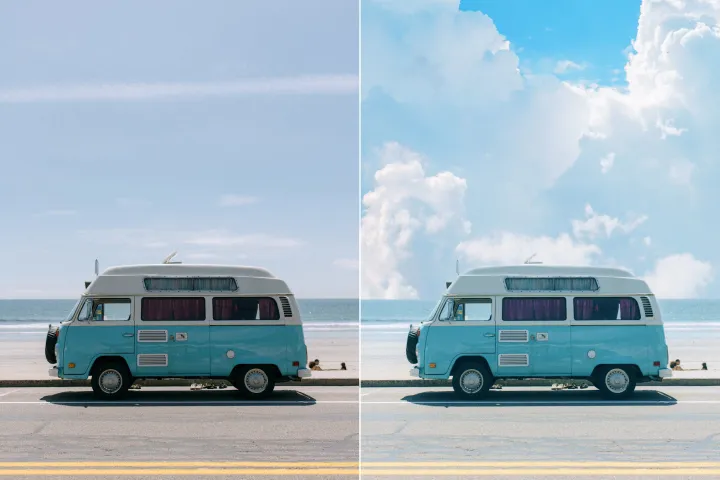
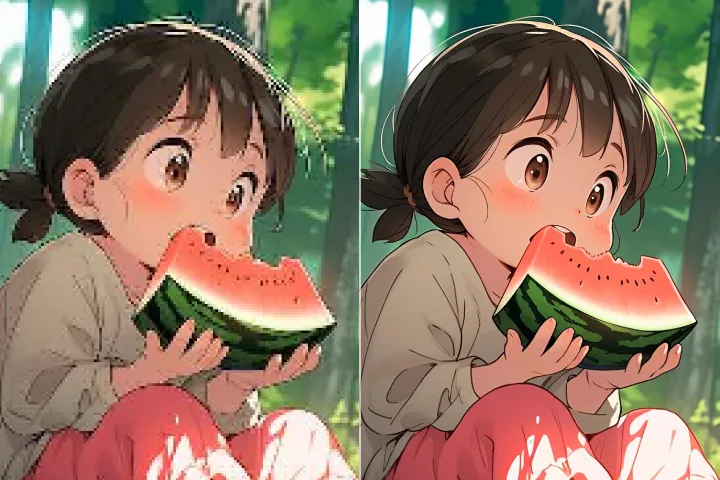
Enhance Photo
Automatically enhance the blurry photo's resolution and increase the overall quality.
Remove Objects
AIPhotor's One-Touch AI simply detects and removes unwanted details in your picture.
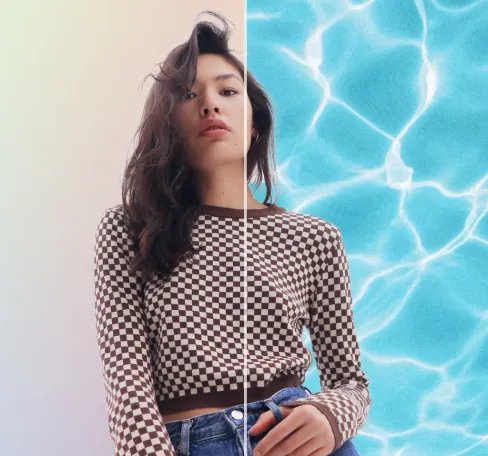
Remove Background
Seamlessly remove background from photos. Edit background with 100+ well-designed templates.
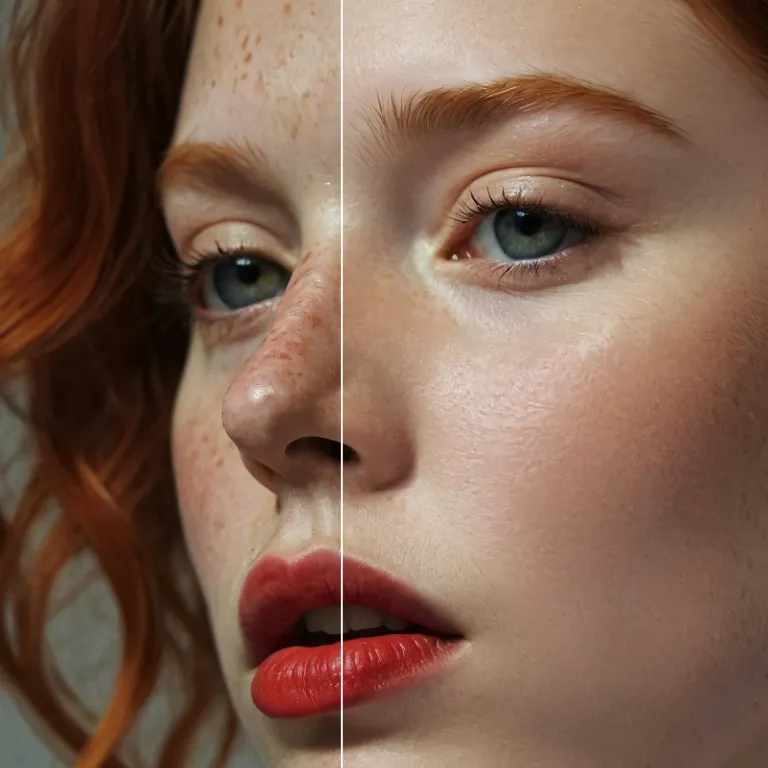
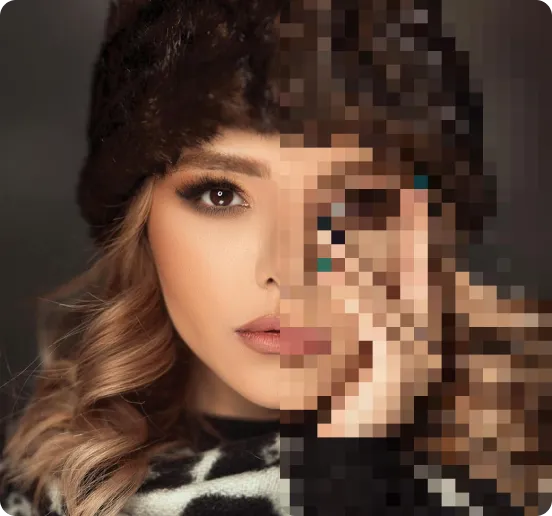
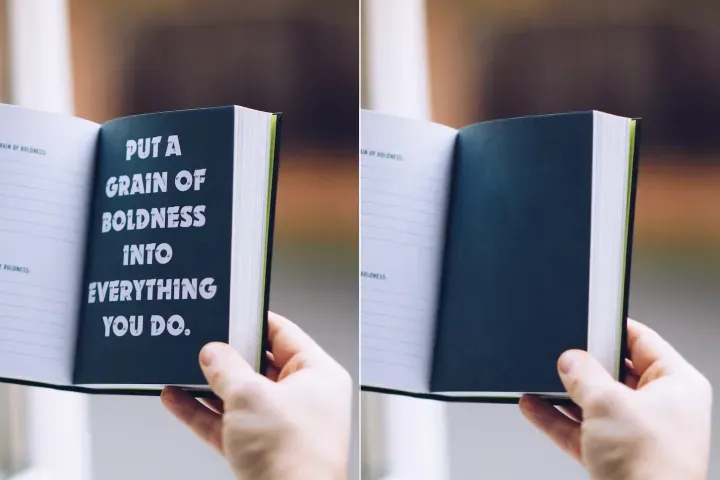
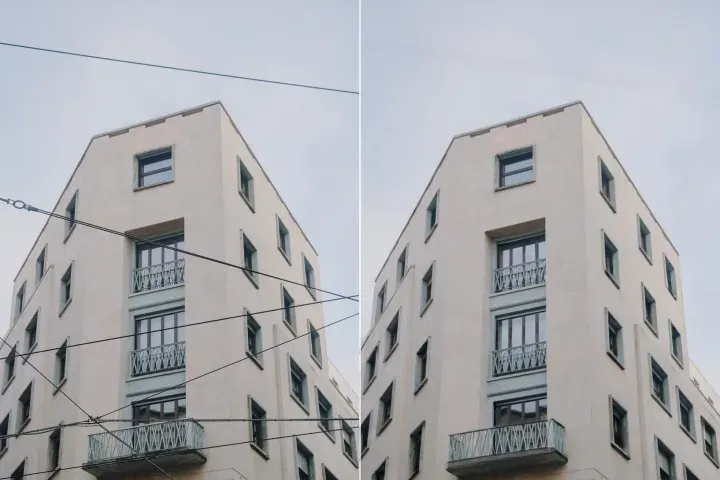
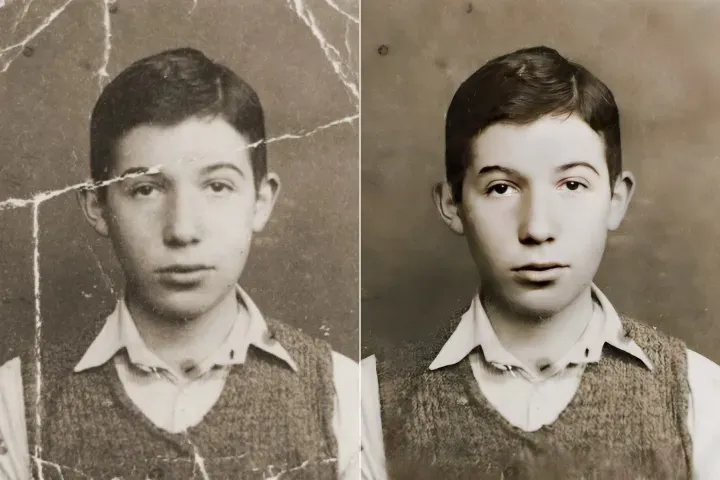
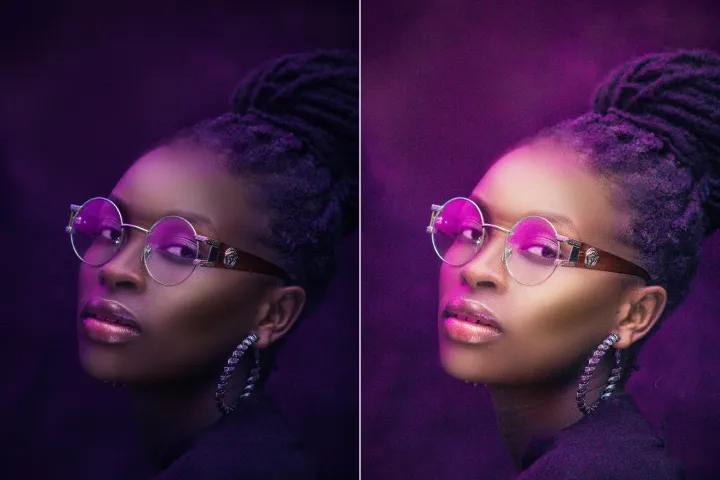
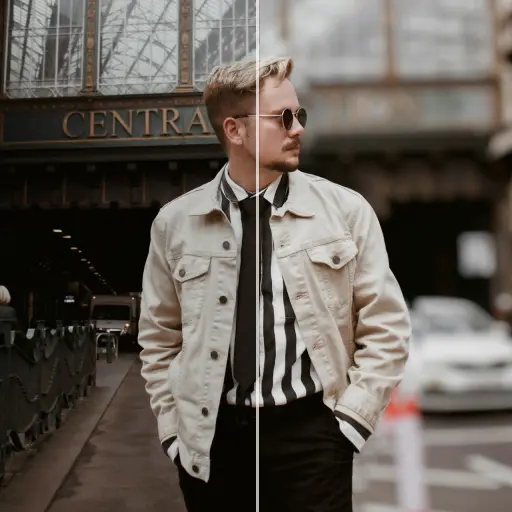
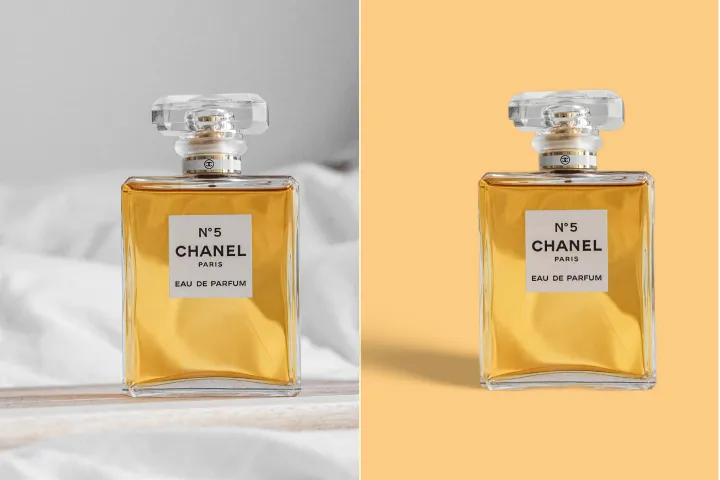
Hintergrund von Fotos kostenlos verwischen
Erstellen Sie einfach beeindruckende Fotos mit dem Hintergrundunschärfe-Werkzeug von AIPhotor, das jetzt von PDF Assistance für eine geführte Nutzung unterstützt wird. Kostenlos und schnell!
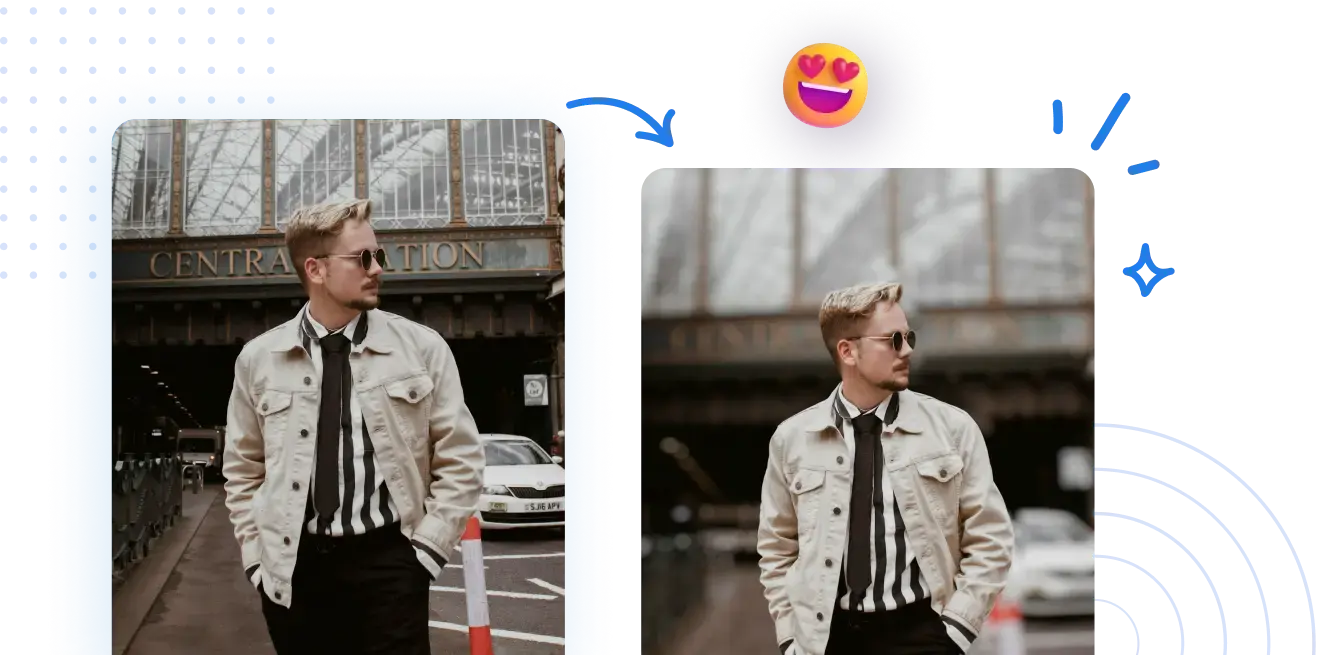
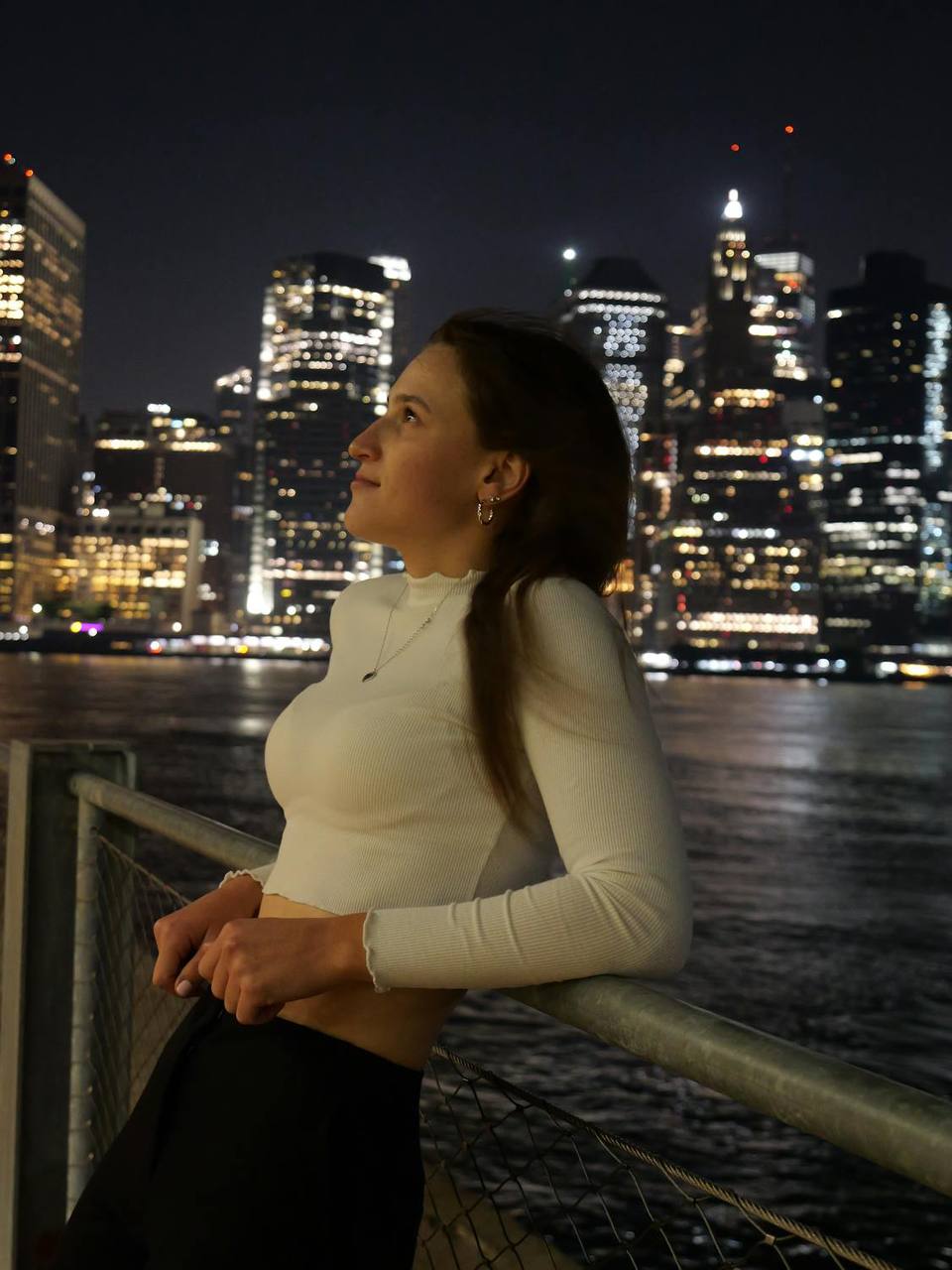



PDF-unterstützter Leitfaden: So verwischen Sie online den Hintergrund Ihres Fotos.
PDF Assistance: Keine komplizierten Kameraeinstellungen erforderlich. In Ihrem PDF-Workflow erreichen Sie professionell aussehende unscharfe Hintergründe mit geführten, schrittweisen Anweisungen.
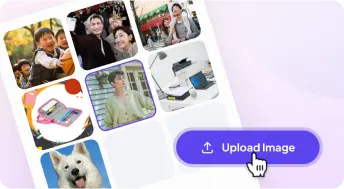
1 Ein Foto hochladen
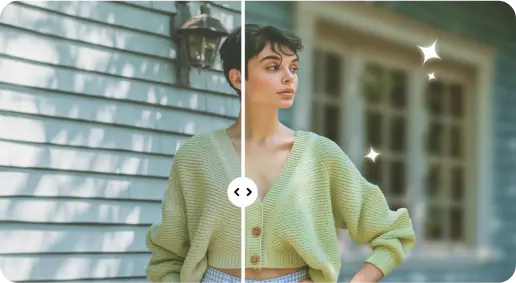
2 Den Hintergrund mit KI-gestützten Effekten unscharf machen
3 Speichere das neue Foto
Edge-Perfect Tool zur Hintergrundunschärfe
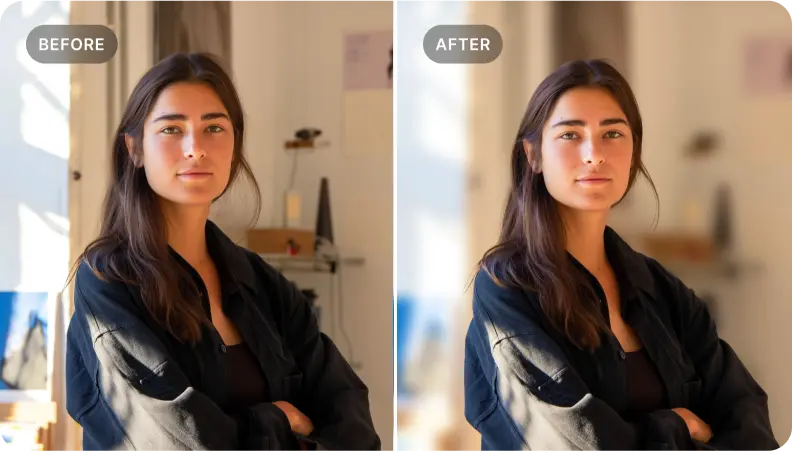
Verleihe Porträtaufnahmen mehr Tiefe
PDF-Unterstützung: Verwenden Sie das Hintergrundunschärfe-Werkzeug, um Porträtaufnahmen in Ihrem PDF mehr Tiefe zu verleihen, sodass Gesichtszüge hervorstechen und die Persönlichkeit des Motivs durchscheint – mit durchgehenden, unterstützenden Schritten.
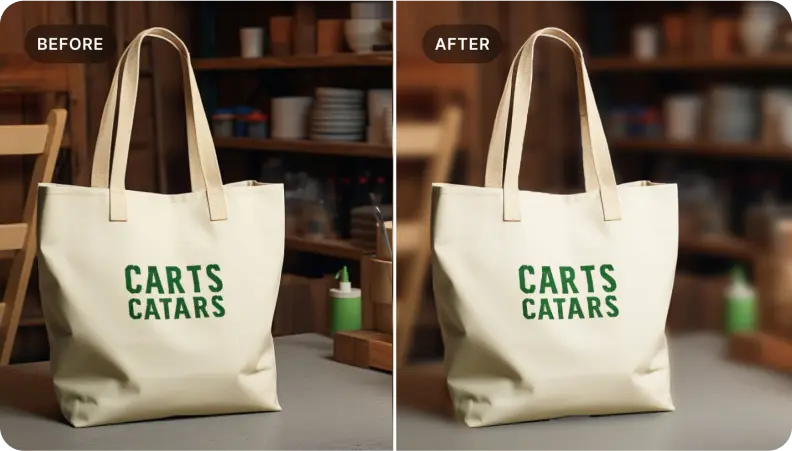
Produkte in E-Commerce-Fotos hervorheben
PDF-Unterstützung: In Ihren PDF-Workflows verwischen Sie den Hintergrund, um Produkte hervorzuheben, Schlüssel-Details zu präsentieren und visuell überzeugende Bilder zu erstellen, die Leser ansprechen und den Vertrieb unterstützen — mit kontextbezogener Hilfe im gesamten Dokument.
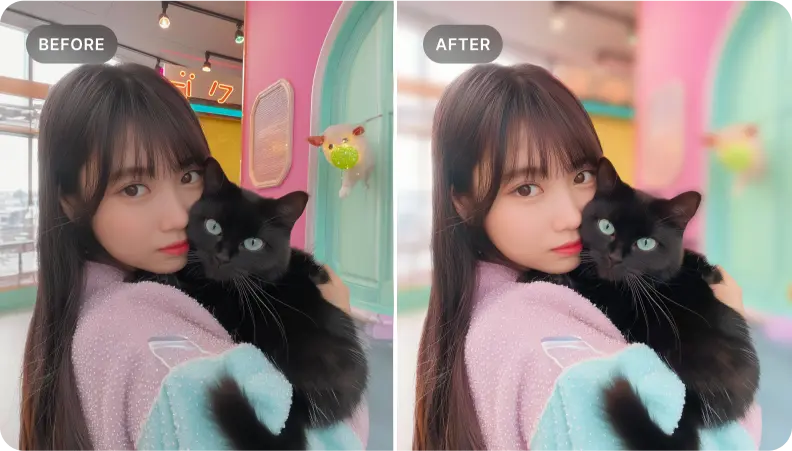
Fokus auf spezifische Elemente in einer Szene innerhalb Ihrer PDF-Visualisierungen
PDF-Unterstützung: Ideal für PDFs, in denen Sie Schlüsselelemente in einem Bild isolieren möchten. Verwischen Sie die umliegenden Bereiche, um eindrucksvolle Bilder zu schaffen, die den Leser führen und eine klare Geschichte erzählen – bei jedem Schritt mit PDF-Unterstützung.

Free to Try
AIPhotor is free to try for 3 days, after which you can subscribe to one of our incredible value plans.

Free to Try
We automatically sharpen and transform your images with AI to create multiple final looks. But you can also adjust and add a prompt to customize the results. Choose what works best for you!

Quick & Easy
Screen, edit, resize and download your photos lightning fast.

Compatible with all devices
AIPhotor is available on the iOS and Android stores. Our app works seamlessly across mobile, desktop, and tablet devices.
Frequently Asked Questions
-
What is AIPhotor Photo Editor?

 AIPhotor is a visual online photo editing website that leverages AI technology to help automatically remove objects/people from images; retouch, enhance, colorize, correct, cartoonize, and animate photos in a snap, replacing other photo editing tools Photoshop, Pixlr editor, or Photopea.
Or just drag & drop image here, upto 50 images at once
Or just drag & drop image here, upto 50 images at once
Frequently Asked Questions
-
What is AIPhotor Photo Editor?
AIPhotor is a visual online photo editing website that leverages AI technology to help automatically remove objects/people from images; retouch, enhance, colorize, correct, cartoonize, and animate photos in a snap, replacing other photo editing tools Photoshop, Pixlr editor, or Photopea.