Convert WORD to PDF
Guided DOC/DOCX to PDF conversion for easier viewing, sharing, and workflow success.

Our guided Word-to-PDF tool converts .doc and .docx to .pdf while preserving layout, formatting, and quality. Follow contextual tips during the process to ensure the resulting PDF works on any device or operating system.
-
PDF to word converter online free
-
No software download or installation
-
Fast Word to PDF conversion
PDF Assistance: The Guided Online Word-to-PDF Converter
Use our tool for reliable Word-to-PDF conversion. Enjoy fast, accurate results with guided steps and contextual help to reduce uncertainty.
Seamless Word to PDF Conversion
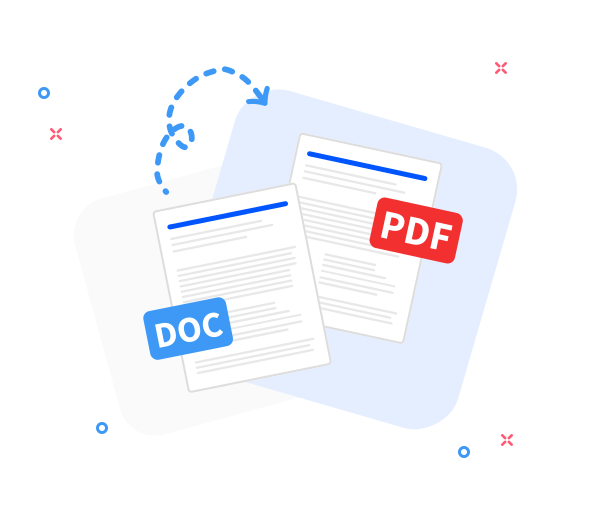
Convert any Word document to PDF while preserving the original layout. Fast, professional, free, and designed with guided, step-by-step support to reduce friction.
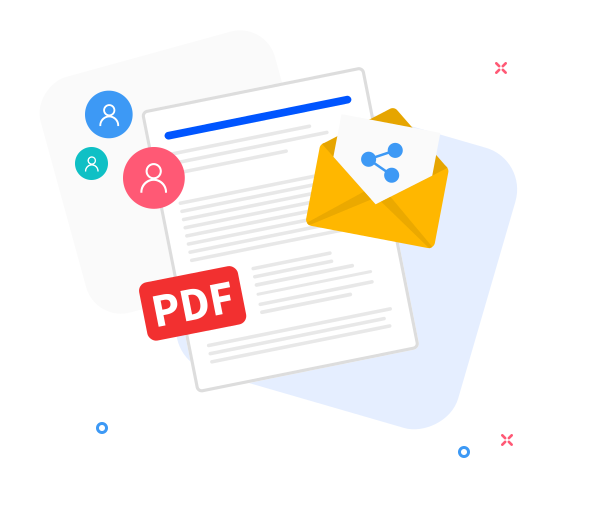
Share the converted files with others.
Our sharing features support teamwork with guided steps: after conversion, easily generate a download link or share the PDF via email with clear prompts.
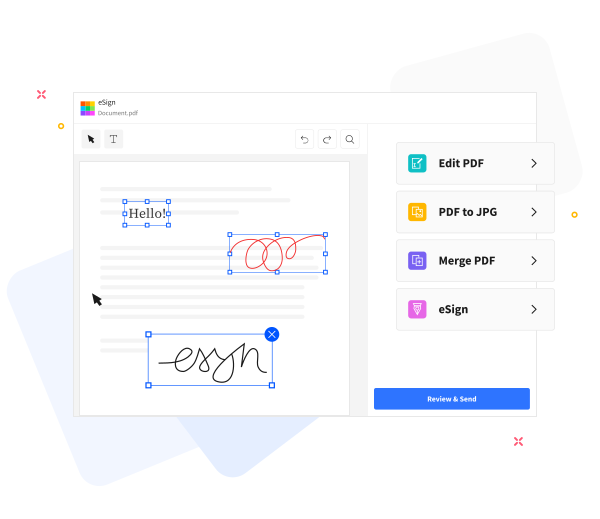
PDF Assistance: Guided enhancements to improve your PDFs.
PDF Assistance: guided, step-by-step actions to enhance your PDFs. Use built-in tools to add text, annotate, compress for emailing, or merge with other PDFs, with clear prompts and contextual help along the way.
Frequently Asked Questions
Yes. This Word to PDF converter is free to use online. You can convert Word documents to PDF quickly and without registration, watermarks, or installing software. If you’d like, I can guide you through each step to ensure a smooth conversion.
Yes. The converter preserves text formatting, fonts, images, and page layout so the resulting PDF matches the original Word document. If any element seems off, you can review and adjust before finalizing.
Yes. Your Word files are protected with secure HTTPS encryption during transfer and processing, and both the uploaded documents and generated PDFs are automatically deleted from our servers after a short retention period to protect your privacy and keep things tidy.

Step-by-step guide: How to convert a Word document to PDF
Guided steps to convert a Word file to PDF—a supportive walkthrough for a smooth PDF conversion.
- Begin by dragging and dropping your Word file into the converter to start your guided PDF workflow.
- Click “Convert to PDF”.
- Please wait a moment as we securely process your file; you'll see progress and updates throughout the PDF workflow.
- When ready, click Download to save or share your PDF with confidence.
 Remove pages